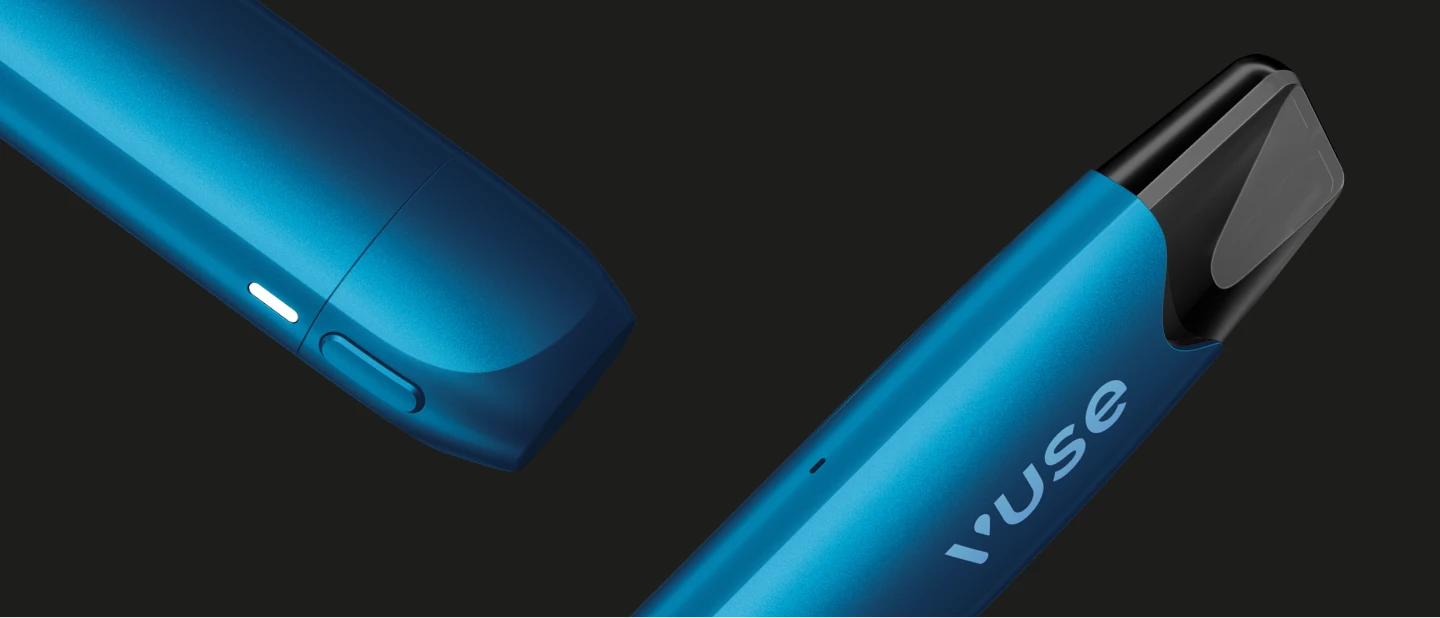






MyVuse – the smart Vuse app to personalise your vaping experience
Get the most out of your Vuse device with the MyVuse app and take your vaping experience to the next level. Thanks to MyVuse, you can personalise and control your vaping experience. Together with the Vuse Ultra and Vuse Ultra Pods, you benefit from advanced smart vaping features that offer you a highly personalised vaping experience. MyVuse gives you customisation, overview, convenience and control right within the MyVuse app.
Contents:
- What does the MyVuse app offer?
- Usage Tracker: puff tracking and limits
- CloudControl™: adjustable intensity levels
- Flavour AutoTune™ for perfect flavour
- Never run out of battery with MyVuse recharge reminders
- Ultra Pod Tracker: insights into your flavour usage
- Lost your device? Use Find My Vape to locate it
- Device lock for peace of mind
- Usage tips: set yourself a daily limit in MyVuse
- MyVuse app download: step-by-step guide for iOS and Android
What does the MyVuse app offer?
An innovative app, the MyVuse app connects to your Vuse device via Bluetooth and provides data-driven insights into your usage patterns. The Vuse Ultra Pods feature a built-in smart chip that allows you to unlock a range of advanced smart vaping features.
Usage tracker: puff tracking and limits
See how often you vape, track how many puffs you are taking and get insights into your vaping patterns through the MyVuse app. Stay in control of your vaping with Usage Tracker.
With the MyVuse Usage Tracker, you can always keep an eye on your puff count. Check your vaping usage in the app’s vape tracker. You can view this data as follows:
- daily
- weekly
- monthly
Find out how often you vape, how many puffs you take, and gain insights into your vaping habits with MyVuse.
CloudControl™: adjustable intensity levels
CloudControl™ lets you choose the flavour intensity that you want. Switch between low, medium, and high intensity modes on your Vuse Ultra device or fine-tune your preferred intensity through the MyVuse app with up to 20 different levels. Customise your flavour experience with CloudControl™.
Flavour AutoTune™ for perfect flavour
Optimise your vaping experience automatically with Flavour AutoTune™ in the MyVuse app. Flavour AutoTune™ detects your flavour selection and adjusts your device’s temperature, power and intensity. This way, MyVuse gives you the perfect flavour every time with AutoTune™ so you can enjoy every puff. With Flavour AutoTune™, you have the option to set a preferred power setting and the device will remember it next time you insert the same flavour.
Please note: this smart vaping feature is only available with a Vuse Ultra device.
Never run out of battery with MyVuse recharge reminders
Nobody wants to leave home with a nearly empty vape. So let the MyVuse app notify you as soon as your battery level drops below a level you’ve set. Enable recharge reminders so you never run out of power. if you want to take your device with you when you’re out and about. You can also set the battery level at which your device should switch to power-saving mode.
Ultra Pod Tracker: insights into your flavour usage
Get insights into your flavour usage and see your favourite flavours with Ultra Pod Tracker. You can track how you vape your favourite flavours with Ultra Pod Tracker. Vuse Ultra identifies your Ultra Pod flavour automatically, so when you sync with the MyVuse app you can track how often you vape each flavour and see your flavour preferences over time. Your flavours made personal with Ultra Pod Tracker.
Once the Ultra Pod Tracker feature is enabled, the following insights can be viewed:
- 1, 3 and 6 month puff counts
- Most used flavours
- Number of pods used and favourite flavours
- Average pod usage
- Ultra Pod history
- Ultra Pod usage breakdown
Lost your device? Use Find My Vape to locate it
Easily locate your paired devices with Find My Vape. Find the last known location of your device. The MyVuse app will send out a ping. All you need to do is follow the sound until you’ve found your device. Thanks to Find My Vape, you can locate your device regardless of whether it’s connected to your smartphone or not.
Device lock for peace of mind
The MyVuse app protects your device from unauthorised access. Using AutoLock™ technology, you can set a time (in minutes) after which your device will automatically lock if the connection to your paired smartphone is lost.
Usage tips: set yourself a daily limit in MyVuse
With the MyVuse app, you can keep track of your vaping habits. Set a daily limit on the number of puffs you take and receive a notification as soon as you reach your limit.
MyVuse app download: step-by-step guide for iOS and Android
Would you like to install MyVuse on your smartphone? Here are instructions on how to download the free MyVuse app. The MyVuse vape app is available for iOS and Android.
MyVuse-App for iOS
Follow these steps to download the MyVuse app for your iOS device:
- Download and install the Nuviu app from the App Store.
- Open the Nuviu app and enter the following URL in the search bar:
my.vuse.com/ch
Tip: Make sure you enter the URL correctly, including the colon. - Having trouble downloading or installing the app? Then contact our free UltraCare service. We’ll do our best to help you.
- Log in to the MyVuse app with your login details if you’re an existing user, or simply create a free account if you’re new to Vuse. You must log in to pair your device with the MyVuse app.
Tip: If you’re registering for the first time, once you’ve clicked the confirmation link, you’ll be automatically redirected back to the Nuviu app to log in. - Turn on Bluetooth on your smartphone and your Ultra device. To do this, quickly press the side button on your device 5 times.
- In the MyVuse app, you can connect to up to 7 devices simultaneously via Bluetooth.
- Your device and the MyVuse app should now be connected. It’s time for you to enjoy the many smart vaping features.
MyVuse-App for Android
Here’s how to download our vape app MyVuse for Android:
- Download the MyVuse app for Android from the Google Play Store and open the MyVuse app.
- If you have any problems downloading the app or if the installation isn’t working, please contact our free UltraCare service. We can help you by phone, via the online form or via chat.
- New to Vuse? Then create a free account in just a few steps. This is necessary so that you can pair your device with MyVuse. If you already have a Vuse account, simply log in as usual.
- Enable Bluetooth on your smartphone and your Vuse Ultra. To do this, quickly press the side button on your vape 5 times. You can pair up to 7 devices simultaneously with the MyVuse app via Bluetooth.
- Your device and the MyVuse app should now be connected, and you can enjoy a range of smart vaping features.
-
 Read more >
Vuse Ultra flavours – New features for your premium vape
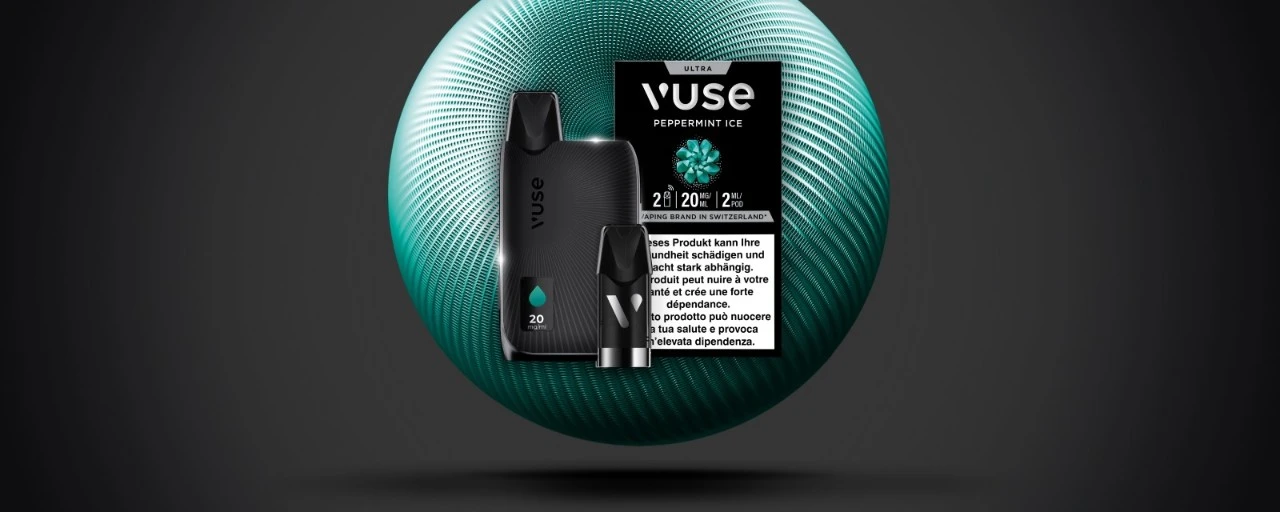
Vuse Ultra is the new premium vape from Vuse and stands for a particularly intense and precisely tuned taste experience. As a modern e-cigarette, the Vuse Ultra device combines innovative flavour technologies with intelligent device control. The focus is on the specially developed Vuse Ultra Pods and flavour functions, which automatically
-
 Read more >
Vuse Ultra features explained: Flavour AutoTune™, CloudControl™ & FlavourMax™
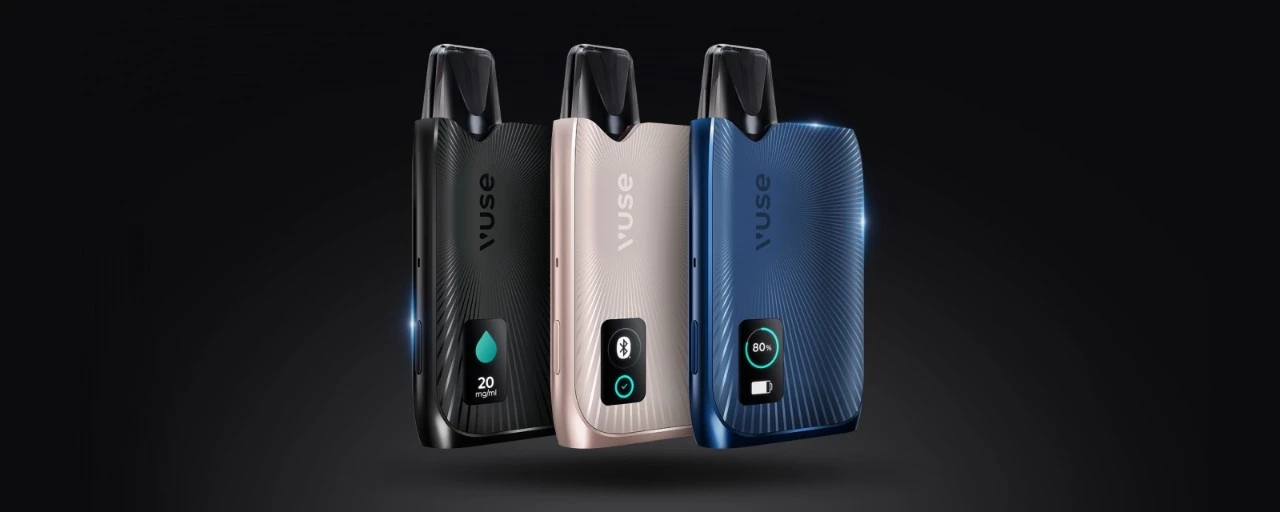
What is Vuse Ultra? Vuse Ultra is our best e-cigarette yet. This modern vape offers you a technically innovative vaping experience. The high-tech vape ensures an optimal taste experience thanks to Flavour AutoTune™. The ClearView™ display allows you to easily check your e-liquid level and battery status. With CloudControl™, you can
-
 Read more >
Vuse Ultra Guide: Instructions & Tips
How do I use the Vuse Ultra? The Vuse Ultra is our new vape with display. This smart vape from our range of e-cigarettes boasts numerous innovative Vuse Ultra features. Our Vuse Ultra Guide shows you how to use and charge the Vuse Ultra correctly. First things first: how do I use the Vuse Ultra? To start vaping, insert the
STAY UP TO DATE WITH OUR NEWSLETTER
You can unsubscribe at any time.