The store will not work correctly when cookies are disabled.
Your Cookie Settings
We collect and store information on your device when you use this website, including through the use of cookies. Some cookies are strictly necessary, while others are used to enhance your experience and to operate and improve the website. You can withdraw your consent at any time for non-strictly necessary cookies by clicking on "Decline Cookies".Please choose the "Accept Cookies"button below if you consent to us using these non-strictly necessary cookies and the personal information they collect for the purposes described in ourPrivacy Policy.
Dieses Produkt kann Ihre Gesundheit schädigen und macht stark abhängig. Ce produit peut nuire à votre santé et crée une forte dépendance. Questo prodotto può nuocere alla tua salute e provoca un’elevata dipendenza.
To use the Vuse website you must be aged
18 years or over.
Are you older than 18 years?
*18+ only. This product contains nicotine and is addictive.
For adult nicotine or tobacco consumers only.
Sorry, to enter this site you must be over 18 years old.
Dieses Produkt kann Ihre Gesundheit schädigen und macht stark abhängig. Ce produit peut nuire à votre santé et crée une forte dépendance.
Questo prodotto può nuocere alla tua salute e provoca un’elevata dipendenza
Help us to dispose of waste properly: Order a free return bag and collect your old pods and devices, which you can then send back to us free of charge.
One bag can fit up to 4 kg of devices and pods (max 130 devices or 300 pods). Please try to fill it up as much as possible before sending it back.
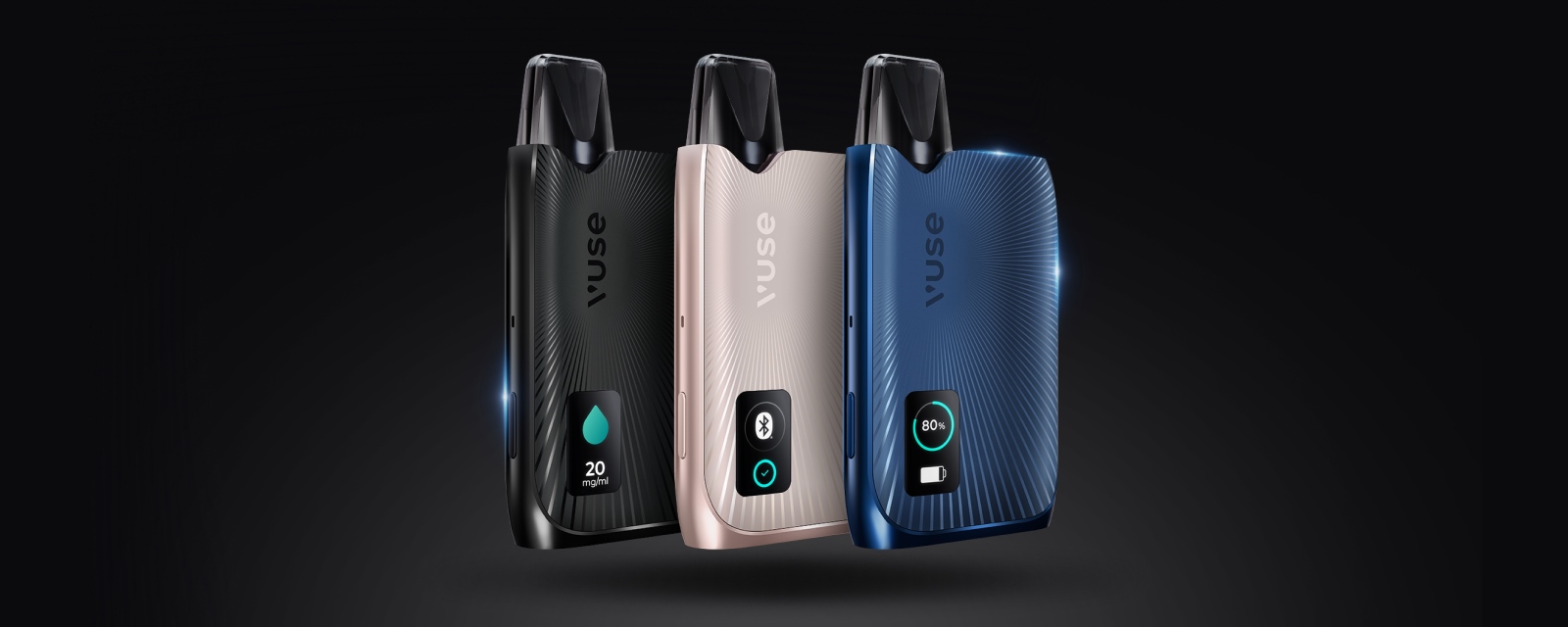
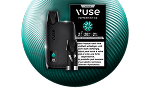
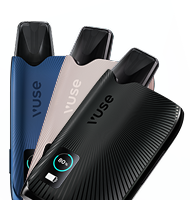
The Vuse Ultra is our new vape with display. This smart vape from our range of e-cigarettes boasts numerous innovative Vuse Ultra features. Our Vuse Ultra Guide shows you how to use and charge the Vuse Ultra correctly.
First things first: how do I use the Vuse Ultra?
To start vaping, insert the battery. The Vuse Ultra device will vibrate and emit a sound.
Now insert the Vuse Ultra pod into your new vape. The Vuse Ultra is now ready for you to enjoy vaping to the full.
You may need to charge the vape before using it for the first time. We recommend fully charging your premium vape before using it for the first time.
For a pleasant and satisfying vaping experience, we recommend closing your lips around theVuse Ultra pod. This way, the tip of the mouthpiece is in your mouth and not on your lips.
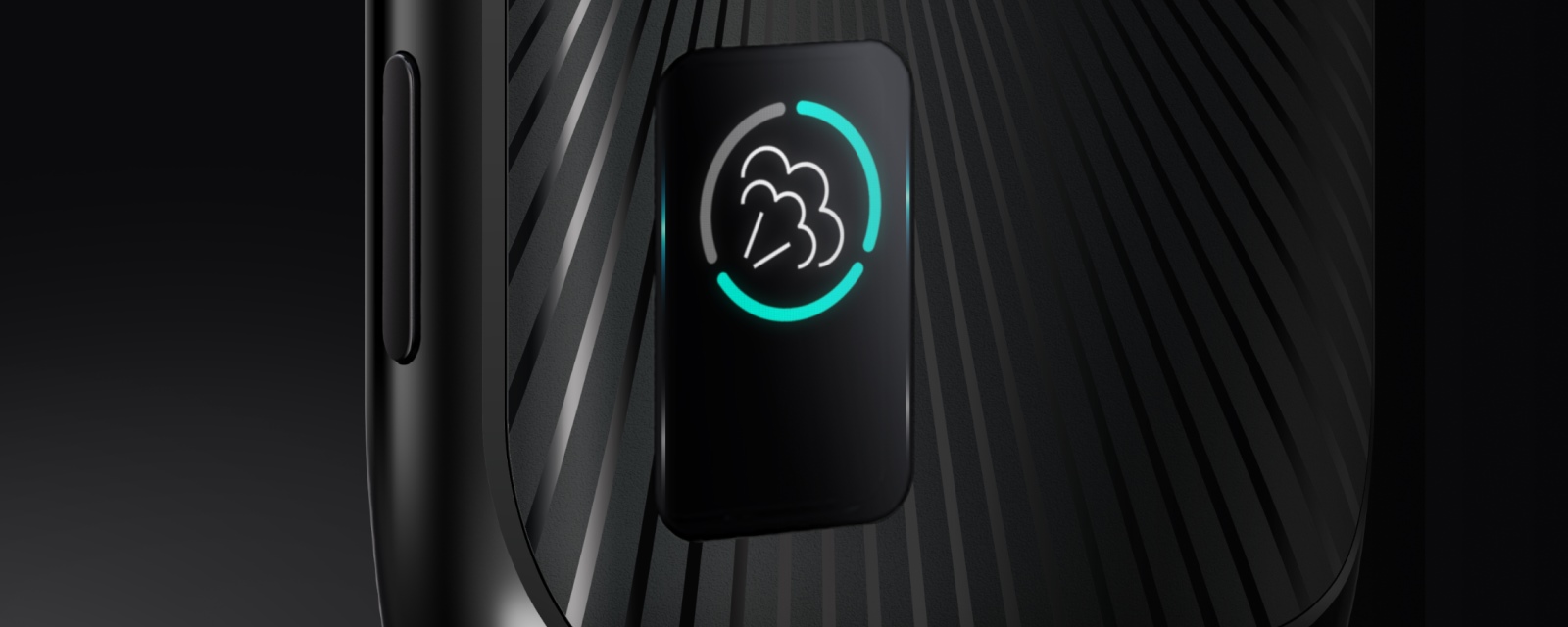
While you are vaping with the Vuse Ultra device, nothing will be displayed on the screen. Simply enjoy your vaping experience!
Connect your Vuse Ultra to the supplied USB-C fast charging cable.
The modern vape vibrates when charging correctly. The display shows the battery level as a percentage.
The charging screen dims after 15 seconds but continues to show the battery level.
When your Vuse Ultra device is fully charged, the display will automatically turn off.
After 3 hours, the Vuse Ultra will automatically stop charging.
Option 2:
Place the Vuse Ultra device on a wireless charging station.
The latest vape by Vuse will vibrate when charging correctly. The display shows the battery level as a percentage.
After 15 seconds, the charging screen dims. However, the battery level remains visible.
Once the Vuse Ultra is fully charged, the display switches off.
The smart vape automatically stops charging after 3 hours.
Frequently asked questions about the Vuse Ultra Guide
What is the Vuse Ultra?
The Vuse Ultra is a rechargeable vape with a display that is used with replaceable pods. It combines modern, innovative technology with ergonomic design.
When should I change the Vuse Ultra pod?
Change the Vuse Ultra pod when your smart vape produces little or no vapour. You should also change the Vuse Ultra pod if the taste or vapour quality deteriorates noticeably.
What is included in the Vuse Ultra device kit?
The Vuse Ultra device kit includes the following:
Vuse Ultra device
removable battery
USB-C charging cable
user manual
How do I charge the Vuse Ultra device?
There are two ways to charge the top e-cigarette from Vuse:
included USB-C fast charging cable
wireless charging station (not included in delivery)
How long does the Vuse Ultra take to charge?
Thanks to USB-C fast charging, you can fully charge your premium vape in just 35 minutes.



















 Free shipping from 40 CHF