What issue are you experiencing with the charging?
Solution
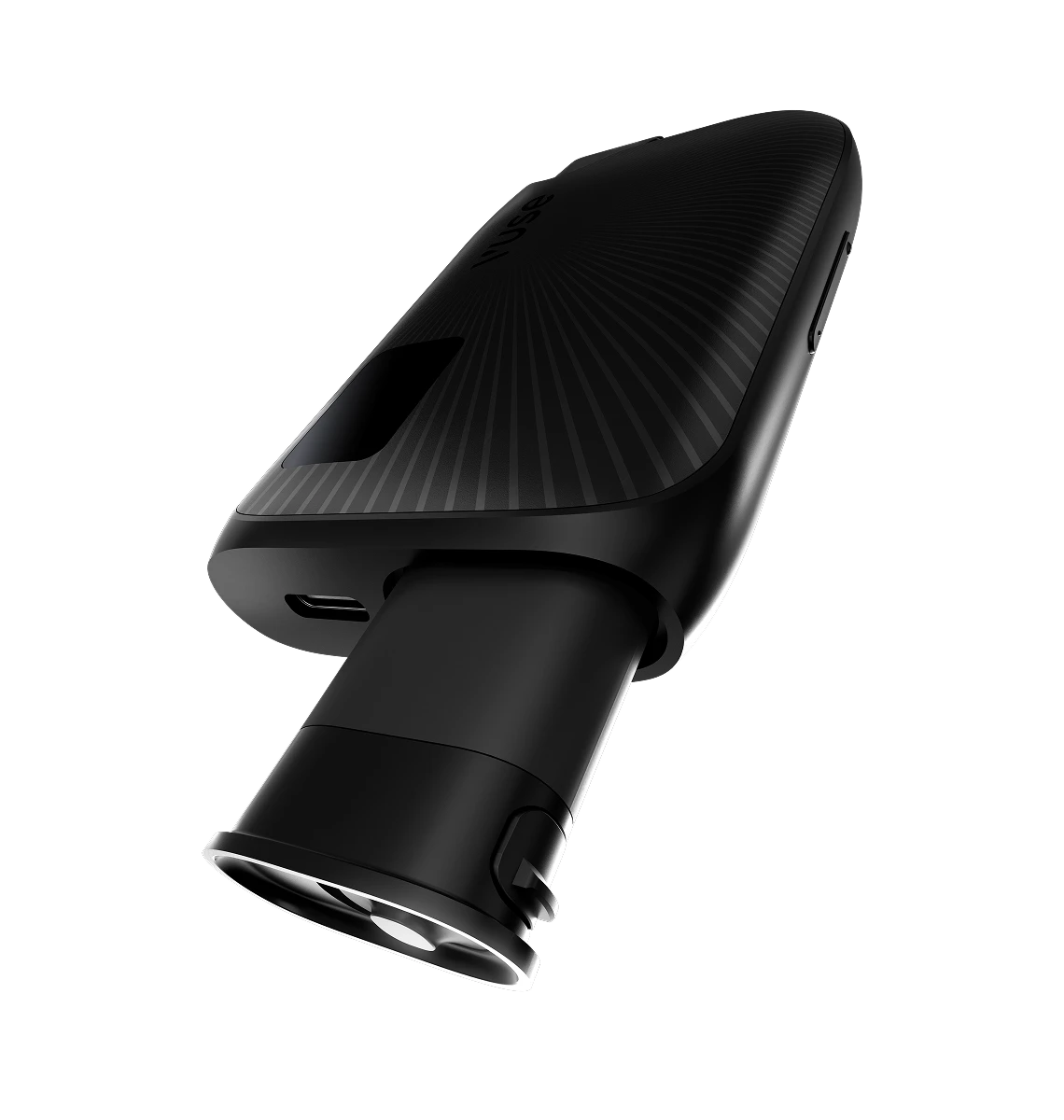
Remove the device and the battery from the packaging, then take off the protective label from the top of the battery. Insert the battery into the device with the gold‑coloured contacts going in first and the Vuse logo facing up. The battery will click into place and the device will power on.
Solution
If the battery does not appear to be damaged, try charging your device. If the device still does not turn on afterwards, remove the battery and contact customer service.
Solution
We recommend not removing the battery during normal use to avoid damaging it. However, if the battery accidentally falls out of the device, check it for any visible damage before inserting it again.
Solution
If you are experiencing issues with the battery, please contact customer service.
Solution
Remove the battery by sliding the lock on the bottom of the device toward the USB‑C port. The battery can then be taken out. Dispose of the battery according to local regulations.