What issue are you experiencing with the charging?
Solution
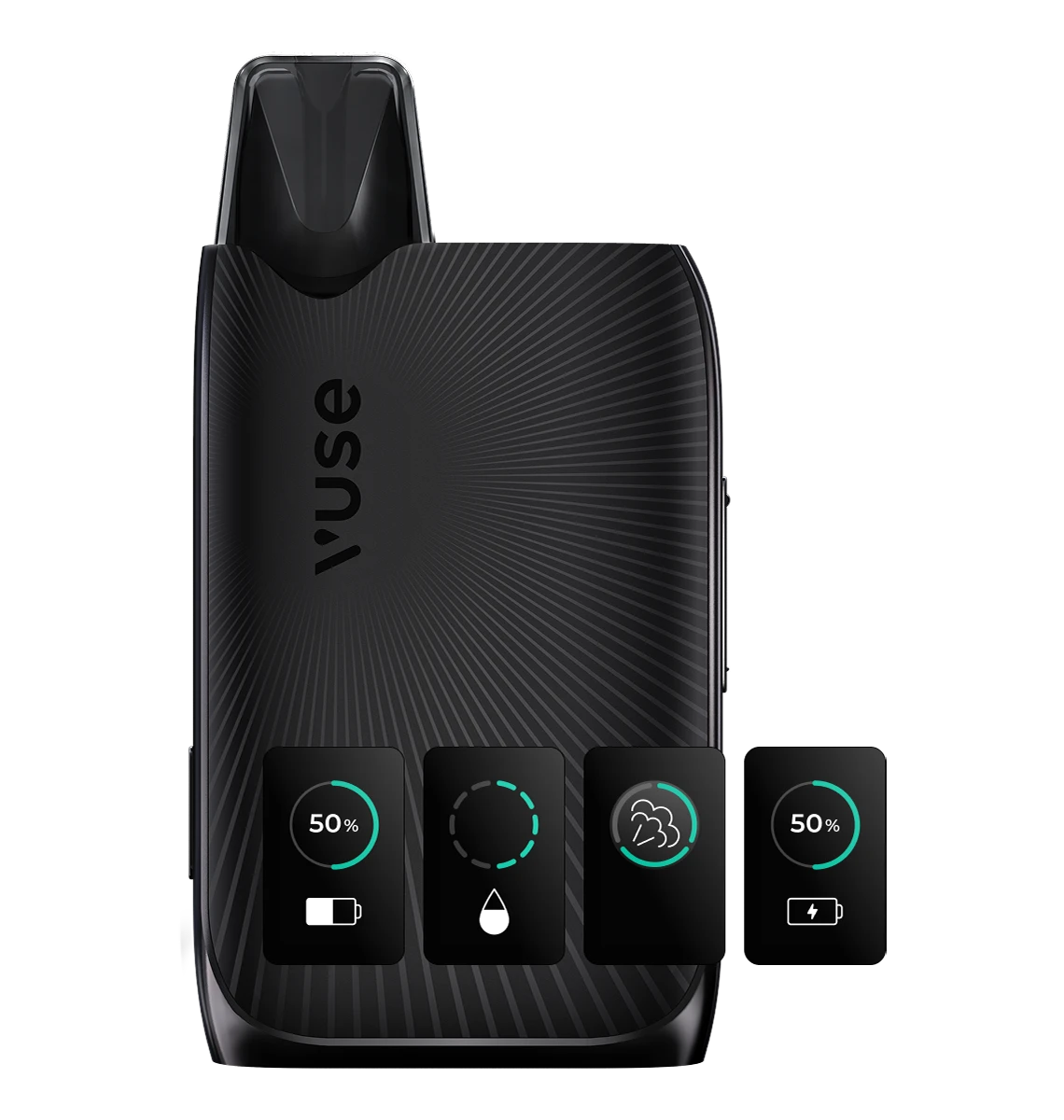
Yes, the Vuse Ultra device does not display anything during a puff.
Solution
- Make sure the Vuse Ultra screen is clean, the lens of your phone’s camera is clean, and there is no reflected light on the screen.
- If your phone camera does not scan the QR code, using a QR code scanner app may help.
- Alternatively, you can use the MyVuse app, which informs you about device errors.
Solution
- When charging, the Vuse Ultra screen dims after 15 seconds to preserve battery life.
- When you remove the device from charging, the screen brightens again and the battery level is displayed.
Solution
- Vuse Ultra pods contain a pod‑recognition chip that allows the Ultra device to read and display the pod’s liquid information.
- Vuse pods can still be used in the Ultra device, but their liquid information will not appear on the screen.